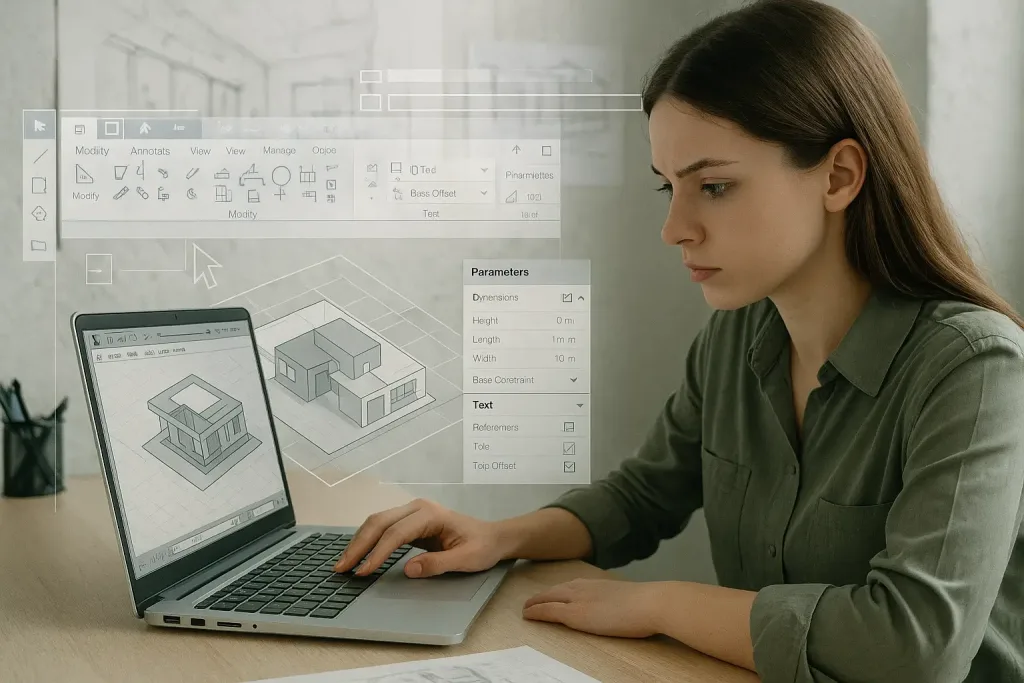
Why learn Revit (BIM) in Saratov now
— Revit and BIM are rapidly becoming standard across Russian architecture and construction—using them increases employability with local design bureaus, developers, and municipal projects.
— For Saratov—where regional construction, renovation, and public infrastructure projects are active—BIM skills help you stand out and participate in multidisciplinary teams.
— Revit connects architectural design, documentation, visualization and coordination with engineers, which is especially valuable in mid-size cities where small teams wear many hats.
Where to learn (local + nearby options)
— Universities and technical schools: check continuing-education and architecture/engineering departments at Saratov State University and Saratov State Technical University for evening courses, workshops, or guest lectures.
— Local training centers and private tutors: search for «курсы Revit в Саратове» on job boards and social networks (VK, Telegram) — many offer short practical courses and project-based training.
— Internships and on-the-job training: approach local architecture firms and construction companies with an offer to assist on projects while learning Revit—many small studios will train motivated juniors.
Where to learn online (recommended resources)
— Official Autodesk Revit learning materials and Autodesk University for structured tutorials and project files.
— Broad online course platforms: Coursera, Udemy, LinkedIn Learning for guided step-by-step Revit courses.
— Russian-language platforms: Stepik, GeekBrains, Нетология — search for BIM/Revit courses with local instructors.
— YouTube channels and community forums: look for Russian Revit tutorials and forums (Autodesk Community, Revit forum groups) for quick answers and scripts.
— Certification: consider Autodesk Certified Professional (Revit) once you have practical experience.
A practical learning path (suggested timeline)
— Month 0–1: Setup and basics
— Install Revit (student/trial license).
— Learn UI, views, levels, grids, basic walls, doors, windows, roofs.
— Produce a simple floor plan and basic 3D model.
— Month 2–3: Documentation and families
— Learn sheets, schedules, annotations and printing.
— Start creating and editing parametric families (furniture, custom windows).
— Complete a small apartment or house project from concept to documentation.
— Month 4–6: Collaboration and workflows
— Learn worksharing, worksets, linking models.
— Study IFC exchange, coordination clashes (Navisworks basics).
— Start using a renderer (Enscape/Lumion) for client visuals.
— Month 6–12: Advanced skills and specialization
— Dynamo basics for automation.
— Structural and MEP coordination principles.
— BIM management basics (standards, templates, libraries).
— Build a multi-discipline project for your portfolio.
Projects to build your portfolio (what to include)
— Small apartment renovation: show existing survey, demolition plan, new plan, documentation, and renders.
— Single-family house: concept sketches, Revit model, detailed sections, material palette, and walkthrough renders.
— Public interior (office/café): layout optimizations, furniture families, lighting study.
— Coordination example: a simple project showing linked structural/MEP models and clash resolution.
— For each project include: role/responsibilities, screenshots of model and sheets, a short PDF or web slide deck.